Frequently asked questions
About 100km in 30 Days
What is 100km in 30 Days?
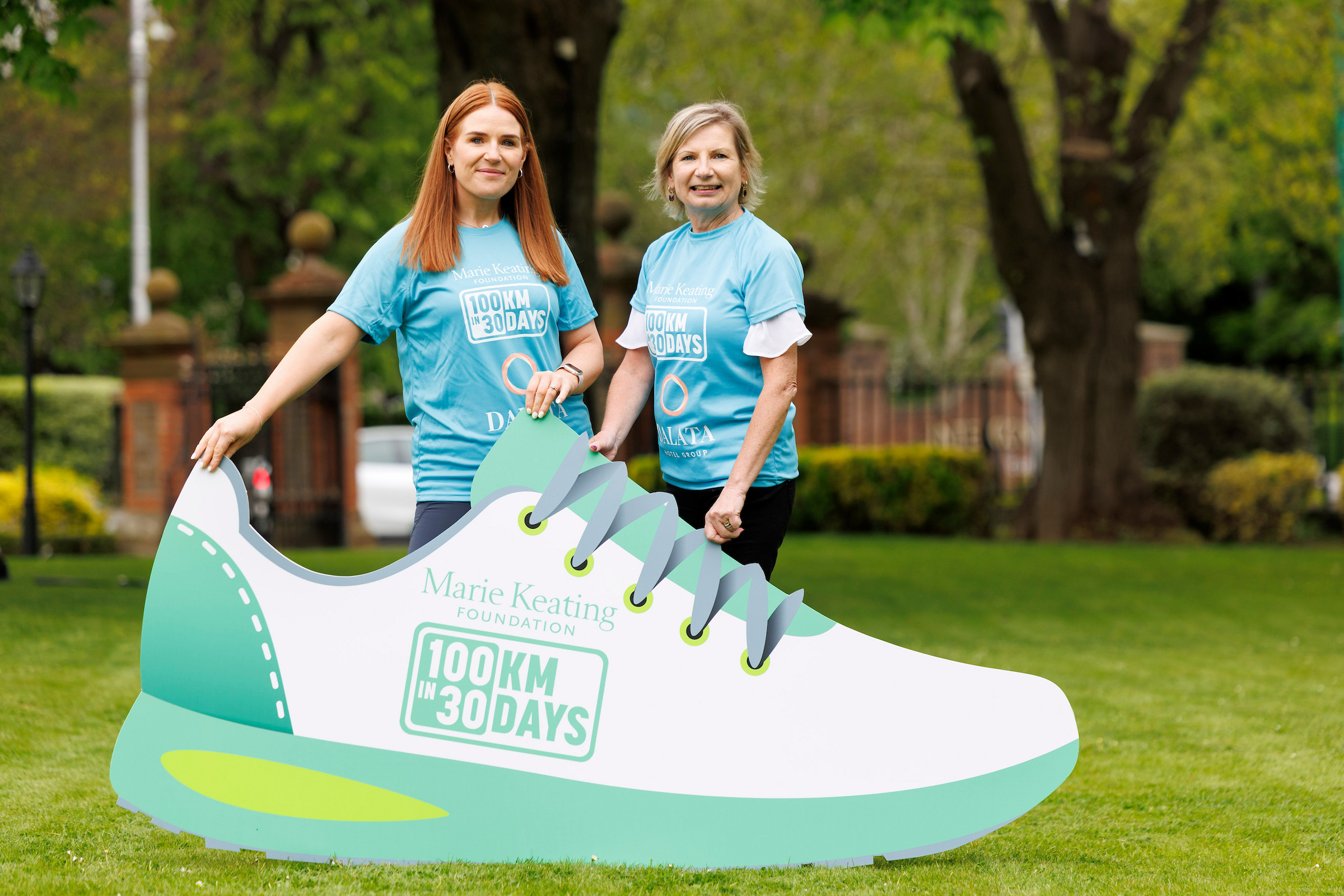
100km in 30 Days is a nationwide movement challenge organised by the Marie Keating Foundation, encouraging participants to complete 100 kilometres in 30 days while raising funds for cancer support services. That works out at just over 3km a day, but you can complete it in whatever way fits around your schedule.
What activity counts towards the challenge?
The challenge is open to walkers, runners, swimmers, cyclists and wheelchair users. Families are welcome, and children can use bikes or scooters if that helps them take part safely with their parent or guardian.
Is there a registration fee?
Yes. A small registration fee helps cover the cost of your event pack, platform access and campaign resources. Full details are available during registration.
Where can I complete my kilometres?
Anywhere that is safe and convenient for you - parks, paths, treadmills, neighbourhood routes, or wherever suits your routine.
How do I log my kilometres/activity?
You’ll receive access to your 100km page once you register. From there, you can log activities, create or join teams, track your progress and view your fundraising. Full instructions will be posted online.
You can use any device or app you prefer - Fitbit, Garmin, Strava, or you can log your kilometres manually.
Do I need my T-shirt before I start?
No - you can start anytime. (But we do recommend wearing something to avoid sunburn!)
Can I do more than 100km?
Absolutely. Many participants set personal goals above 100km. Your dashboard will track every kilometre you complete throughout June.
What if I don't complete 100km?
That’s completely okay. Every kilometre moved and every euro raised makes a difference. The challenge is about participation, purpose and impact..
Can I take part outside of Ireland?
Yes - you can take part from anywhere in the world and log your kilometres through the online platform.
Can children take part?
Yes - children can join in with a parent or guardian and can use bikes or scooters if needed.
How to register 📌
1. Click what ticket option you want & fill out your participant details.
2. Create a team, join a team, or register individually.
3. Select your t-shirt size and complete your payment.
Taking part as a team
When you are registering for the challenge:
- Complete the registration steps as normal
- When prompted, choose Create a Team
- Add your team name and choose whether your team is open (anyone can join) or private (invite only)
Once registration is complete, your team will be live and visible to others (depending on your privacy settings).
If you’ve already registered and want to create/set up a team:
- Log in to your fundraising dashboard
- Click My Team (top row, second option)
- Follow the steps to create and name your team
You can then invite others to join you!
You can join someone else’s team in two ways, depending on where you are in the registration process.
During registration
- When registering for the challenge, choose Join a Team
- Start typing the team name and select it from the dropdown list
- Continue with registration as normal
If you’ve already registered
- Log in to your fundraising dashboard
- Go to My Team
- Search for the team name and select it to join (if the team is open)
Important to know
- Public teams are open for anyone to join and will appear in search results
- Private teams will not appear in search results - the team creator will need to invite you directly from their dashboard
If you can’t find a team, it may be set to private.
If you’re having trouble joining a team, please contact us at 100km@mariekeating.ie and we’ll be happy to help.
If you have already created a team, you can invite others directly from your dashboard.
- Log in to your fundraising dashboard
- Click My Team (top row, second option)
- Select Team Members
- Click Add Member
- Enter their details and send the invitation
The person you invite will receive an email with a link to register. Once they complete registration, they will automatically be added to your team.
Tip: This is the easiest way to add someone to a private team, as private teams won’t appear in search results.
If you or a teammate have any issues, please contact 100km@mariekeating.ie and we’ll be happy to help.
Why can’t I see a team when I search for it?
- The team may be set to private, meaning it won’t appear in search results
- The team name must be typed correctly to appear in the dropdown
- If the team is private, the team creator will need to invite you directly.
Do teams have to complete 100km each or 100km together?
Each participant completes their own 100km, but teams can set shared goals if they want to.
What should I name my team?
You can name your team whatever you like. We recommend choosing a clear, recognisable name so people from your company, school, university, club, or organisation can easily find and join it. For companies entering a number of teams. please use the same name at the start of each team. This way, all related teams appear together in alphabetical search results and on the dashboards, making them much easier for people to find.
Instead try:
- MyCompanyName HR Department
- MyCompany Name Marketing
- MyCompanyName Sales Team
- MyCompanyName Dublin Office
- MyCompanyName NY Office
- MyCOmpanyName Cork Office
Each team will have its own fundraising page and its own QR code, which all team members can use to share and promote their team.
Can teams receive donations directly?
Supporters can donate straight to a team page without choosing an individual member.
Do individual donations count toward the team total?
Yes. When someone donates to an individual fundraiser, that amount is added to the individual’s total and automatically contributes to their team’s overall fundraising total.
How to navigate your online dashboard 📲
1. Log into your account and access your personal dashboard.
2. Upload photos, activities, and updates or create a team.
3. Share your page and track your fundraising progress.
Fitness & Devices
Your activities should sync automatically once your account is connected and your activities have been recorded.
Please also note that it may take 24 hours for your activities to show on your page.
Companies, Clubs, Schools, & Universities
Can we enter staff teams?
Yes - teams are welcome and will receive support with setup, fundraising and internal promotion.
How do we register?
When you are registering for the challenge:
- Sign up and buy your tickets.
- First register the team captain
- When prompted, choose Create a Team
- Add your team name and choose whether your team is open (anyone can join) or private (invite only)
Once registration is complete, your team will be live and visible to others (depending on your privacy settings).
Can I have multiple company teams?
Yes. You can set up as many teams as you like.
Including your company name first helps, as all teams using that name will appear in the alphabetical search results.
For example:
-
Example School – Senior Students
-
Example University – Science Society
-
Example Athletics Club – Juniors
-
Example Community Group – Volunteers
Each team will have its own fundraising page and its own QR code, which all team members can use to share and promote their team.
Can my company sponsor the event?
Yes - we welcome new sponsorship partners for future years of 100km in 30 Days. If your company is interested in supporting the event or exploring partnership opportunities, please contact 100km@mariekeating.ie.
What should I name my company team/league?
You can name your team whatever you like. We recommend choosing a clear, recognisable name so people from your company, school, university, club, or organisation can easily find and join it. For companies entering a number of teams. please use the same name at the start of each team. This way, all related teams appear together in alphabetical search results and on the dashboards, making them much easier for people to find.
Instead try:
- MyCompanyName HR Department
- MyCompany Name Marketing
- MyCompanyName Sales Team
- MyCompanyName Dublin Office
- MyCompanyName NY Office
- MyCOmpanyName Cork Office
Each team will have its own fundraising page and its own QR code, which all team members can use to share and promote their team.
How to add your dashboard to your homescreen 📲
1. Log into your account and access your personal dashboard.
2. Go to the page you want to daily use the most (e.g. fitness activity page or leaderboard)
3. Click Share > Add to Home Screen
Ta-dah!🎉
Other Questions
How do I share my fundraising page?
You can share your page link via WhatsApp, email, and social media.
Where does the money raised go?
All funds raised support the Marie Keating Foundation’s free cancer support services, including nurse helpline support, education programmes, early detection awareness and community outreach across Ireland.
I’m a journalist — who do I contact?
Please contact the Marie Keating Foundation communications team for interviews, event coverage or media materials at 100km@mariekeating.ie.
Can I fundraise offline?
Yes - you can collect cash donations and add them manually to your fundraising page.
Post them to our office address below or lodge it directly to our bank account.
Marie Keating Foundation
Workways, Office 26,
Block 5,
High Street,
Dublin,
D24 YK8N
If you have any issues - please email 100km@mariekeating.ie
Do I have to fundraise?
We encourage everyone to fundraise, but there is no minimum requirement.
Can I create a QR code for fundraising?
-
Individuals can generate a QR code that links directly to their personal fundraising page.
-
Teams can generate a QR code that links to their team page.
Got a question?
If you have a question or need help, please contact us at
100km@mariekeating.ie and we’ll be happy to help.